Apollo
The Apollo connection stores an api_key so FunnelStory can call Apollo’s APIs to enrich accounts and contacts during enrichment runs or downstream jobs.
What FunnelStory uses it for
- Data Enrichment — The connection supplies live lookups against Apollo.
Before you connect
- Generate an API key in Apollo with the endpoints your plan allows.
Add the connection in FunnelStory
-
Open Configuration → Connections → Add connection, then choose Apollo.
-
Complete the fields in the connection form:
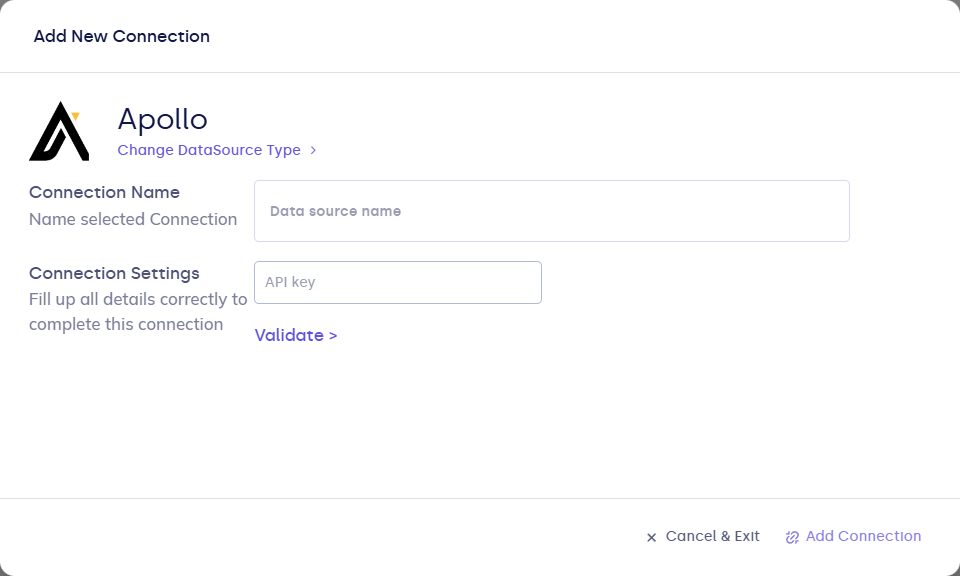
| Field | Description |
|---|---|
| Connection name | Display name. |
| api_key | Apollo API key. |
- Click Validate, then Add Connection.
After you connect
Enable enrichment where the product exposes it (workflows, settings, or account tools). Monitor usage against Apollo rate limits.