Microsoft Teams
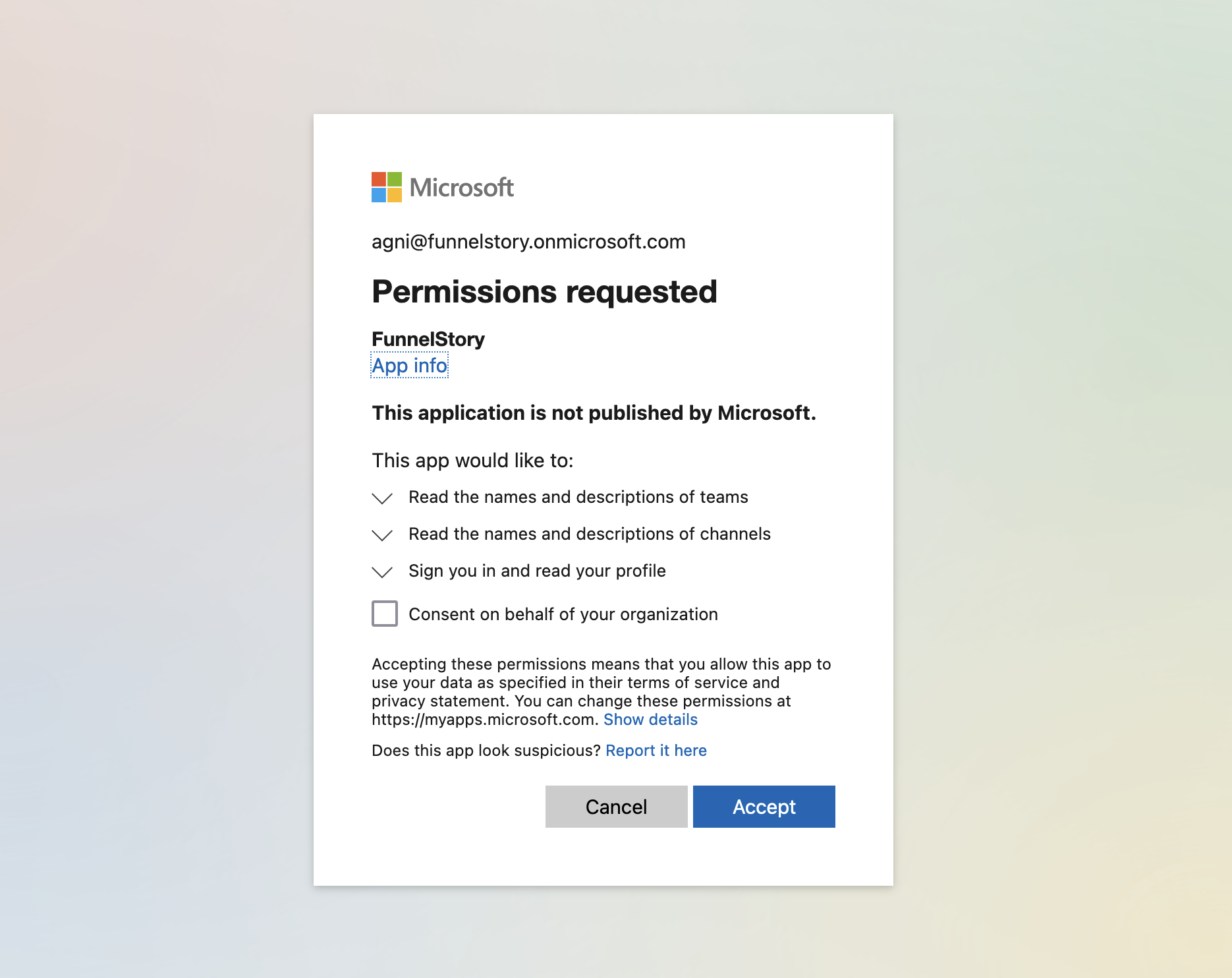
The Microsoft Teams connection uses Microsoft OAuth to read Teams meetings, channel conversations, and group chats (within granted Graph permissions) so FunnelStory can show meetings and conversations on accounts.
What FunnelStory uses it for
- Meetings — Calendar and online meetings synced from Teams.
- Channel and chat content — Posts and chats indexed for conversation-style features.
Before you connect
- An Azure AD / Microsoft 365 admin needs to consent to the FunnelStory Microsoft app for the required Microsoft Graph scopes.
- The signed-in user must be able to access the teams and chats you want indexed.
Add the connection in FunnelStory
-
Open Configuration → Connections → Add connection, then choose Microsoft Teams.
-
Complete the fields in the connection form:
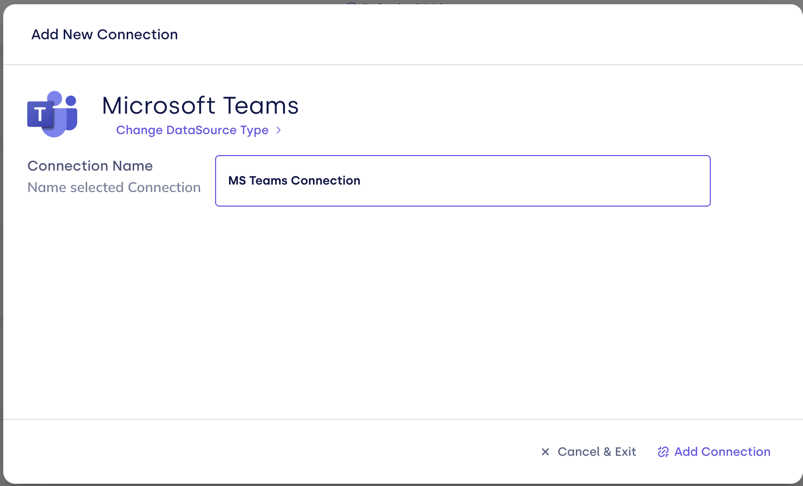
| Field | Description |
|---|---|
| Connection name | Display name. |
The product records the Azure tenant_id from the token for API calls.
- Sign in with Microsoft and complete Microsoft OAuth and admin consent if required.

After you connect
Once you’ve added the Microsoft Teams data connection, Meeting and Conversation models will be automatically created for you.