Slack
The Slack connection authorizes FunnelStory to read channel messages and threads (within the Slack scopes granted) so content can appear in conversation-style features on accounts. Slack can also be used as a notification channel.
What FunnelStory uses it for
- Messages and threads — Indexed Slack content is tied to accounts per the product’s built-in behavior.
- Notifications — Workspace features that post notifications to Slack.
Before you connect
- A Slack workspace admin must install or approve the FunnelStory Slack app.
- FunnelStory uses OAuth.
Add the connection in FunnelStory
-
Open Configuration → Connections → Add connection, then choose Slack.
-
Complete the fields in the connection form:
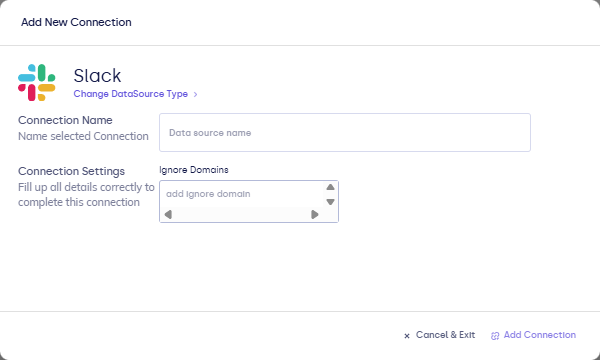
| Field | Description |
|---|---|
| Connection name | Display name. |
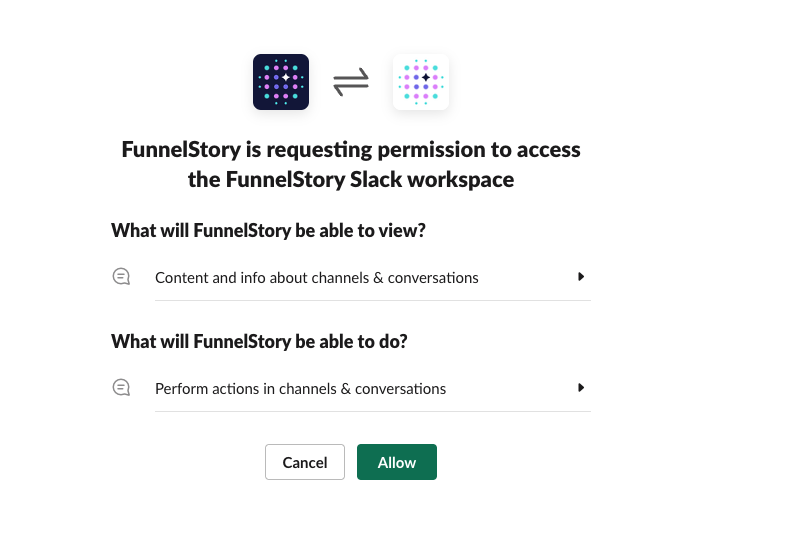
- Continue to Connect with Slack / Authorize, then approve the Slack app permissions in the browser flow (scopes your workspace requests).

After you connect
Once you’ve added the Slack data connection, a Conversation Model will be automatically created for you.